Apex Legends Skin Changer
Apex Legends cosmetic tooling for weapon camos, blueprints, and operator looks — scope and limits come from the live checkout listing.
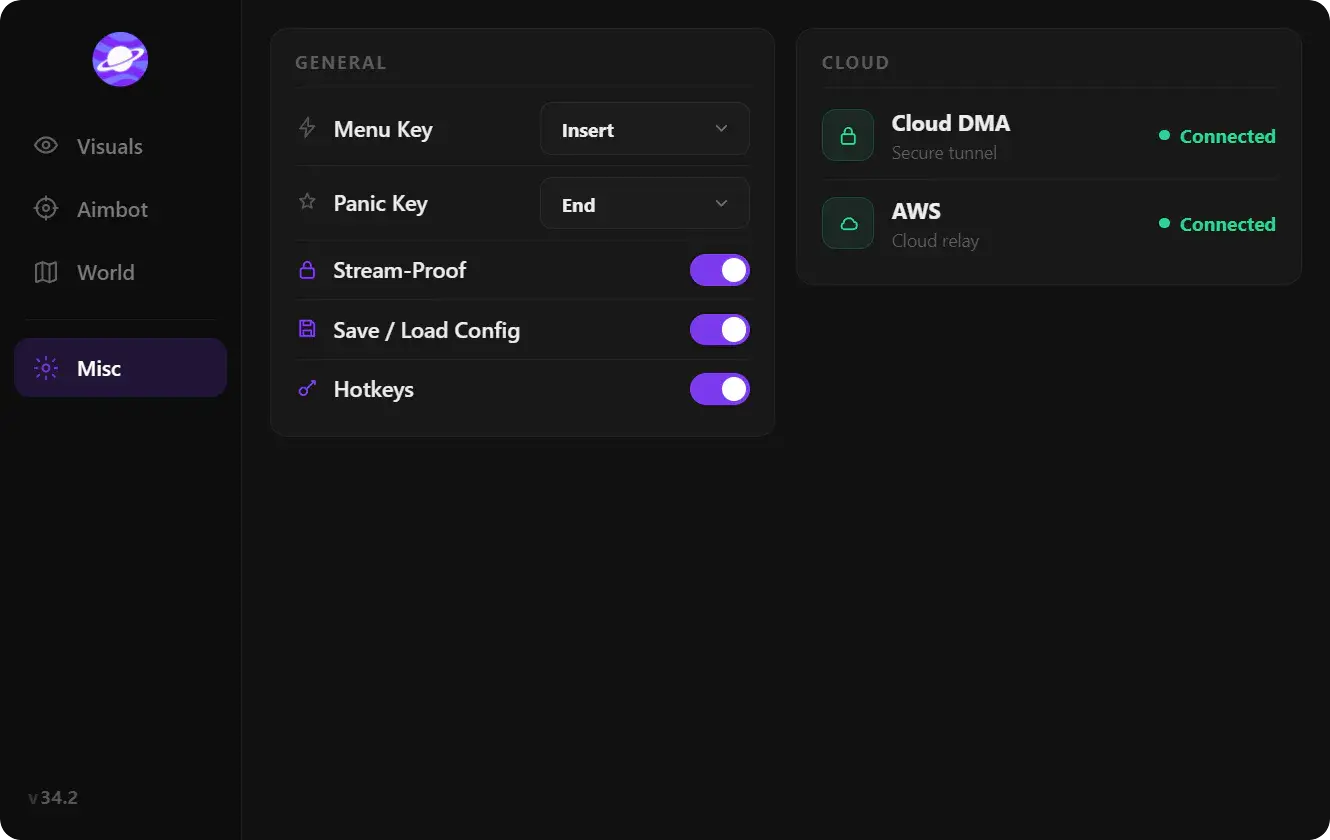
At a glance
Key capabilities
What Skin changer focuses on before you open the full module list.
Overview
Cosmetics without combat modules
How this build fits ranked, Turbo, and patch-day workflows.
Skin changer tooling is for players who want loadout looks without opening the full hacks menu. What you can swap — camos, operators, attachments shown cosmetically — is defined on the partner listing.
This is not the HWID spoofer and not Cloud DMA. Pair it with the [main hacks product](/products/apex-legends-hacks/) only when you want both scopes.
Related reading
See [Apex Legends skin changer explained](/articles/apex-legends-skin-changer-explained/) for how cosmetics differ from combat overlays.
Modules
What's included
Every module and overlay shipped with Skin changer—toggle and tune in the operator portal.
- Weapon camo and blueprint swaps per checkout list
- Operator / skin preview in menu where listed
- Cosmetic-only scope — separate from combat modules
- Saved loadout profiles when the product includes them
- Blueprint / camo categories listed at checkout
- Operator or weapon slot coverage as documented
- Profile save or reset when included
- Windows build notes from the listing
Experience
In the client · After you buy
Use the screenshots above for Skin changer—below is what each layer means and how access works after checkout.
In-game layers
- Layer A
Cosmetic menu
Illustrative — exact camo list is on checkout.
- Layer B
Loadout view
Compare listing screenshots before you buy.
Guides
Learn more about Skin changer
Curated articles for setup, tuning, and patch-day checks that match this product.
Apex Legends skin changer tools in plain language: camos, operators, and cosmetic-only scope — not ESP or aimbot.
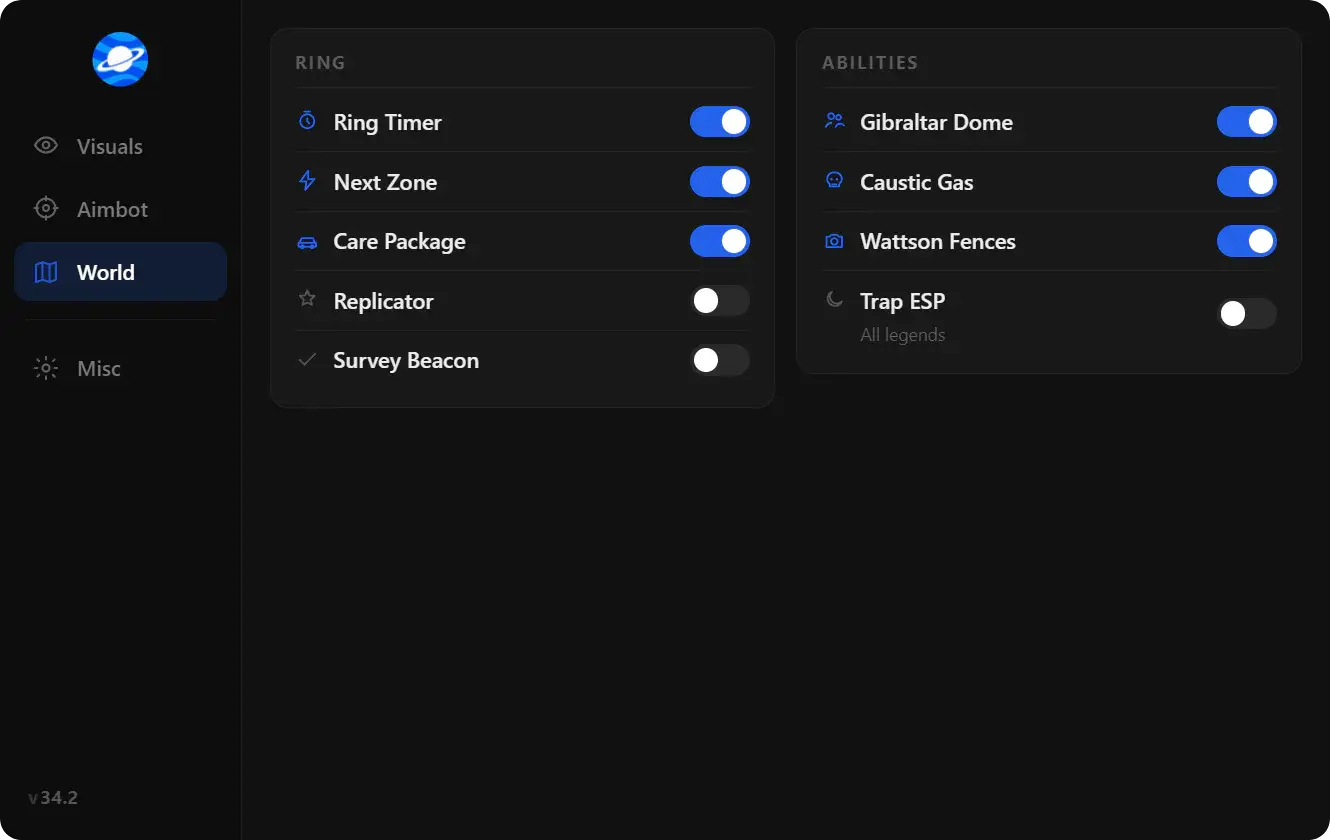
Pick a Apex Legends hack by role and hardware: software ESP and aimbot versus Cloud DMA, without hype counters.

A short checklist for buying Apex Legends hacks: included features, update policy, checkout domain, and account risk.
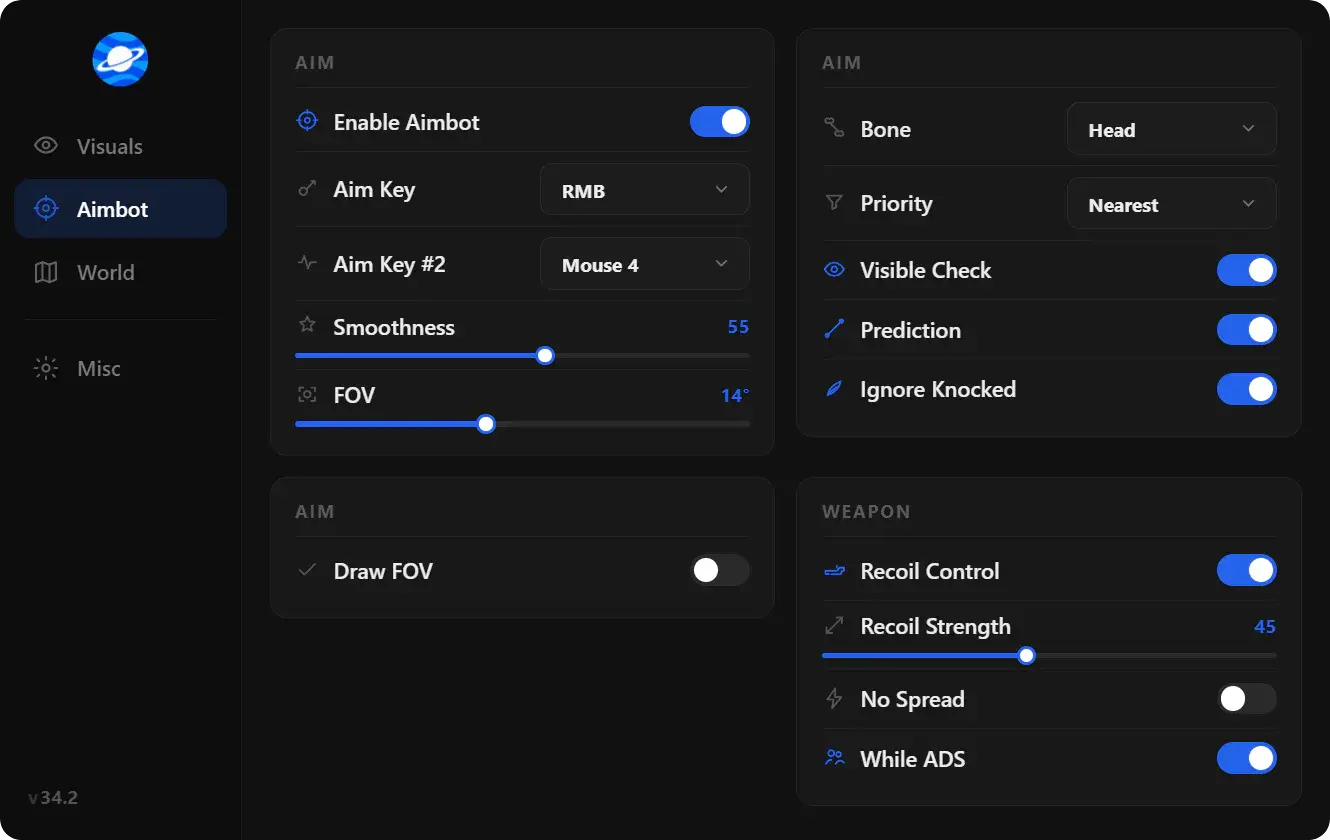
What people mean by Apex Legends hacks in 2026: loaders, ESP, aimbot-style assist, wallhack-style visuals, and why listings change after patches.
A plain split of Apex Legends ESP, aimbot, and wallhack so a product page is easier to read before checkout.
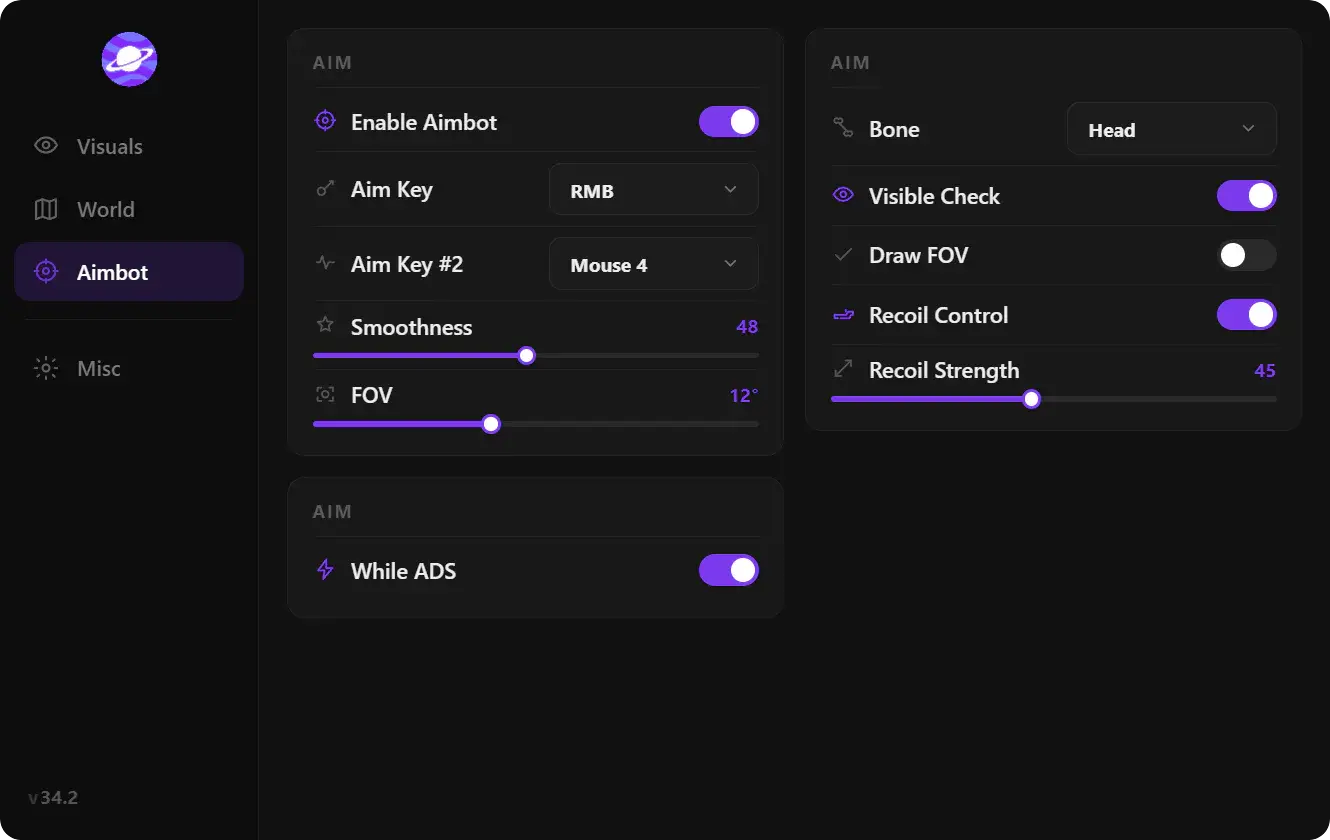
What FOV, smoothing, bone priority, and ESP distance usually mean in a Apex Legends hack menu.
FAQ
Questions about this page
Quick answers related to what you are reading — see the full FAQ for every topic.