Cloud DMA
Cloud DMA for Apex Legends — memory read at distance with separate host gear, when the listing matches that architecture.
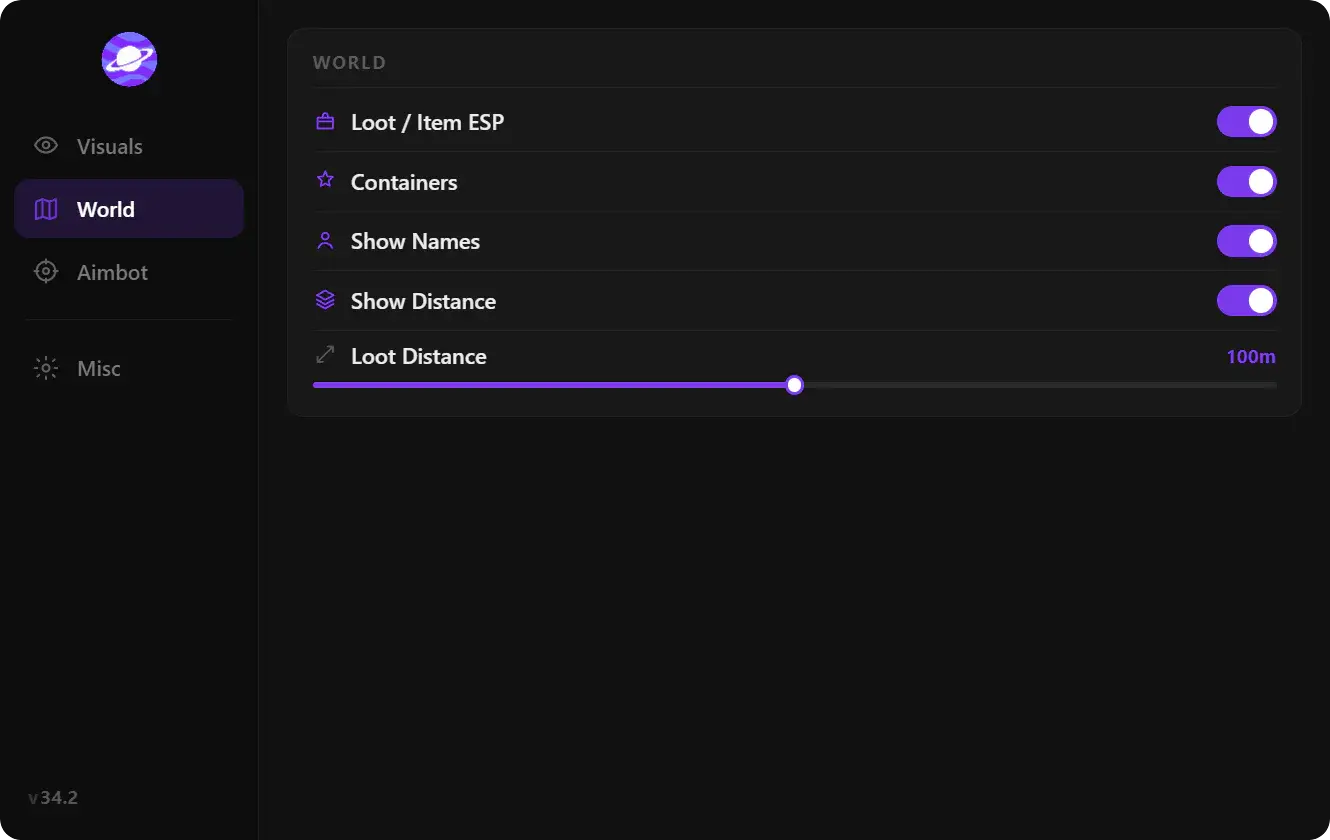
At a glance
Key capabilities
What Cloud DMA focuses on before you open the full module list.
Overview
Why DMA is a different conversation
How this build fits ranked, Turbo, and patch-day workflows.
Software overlays run alongside or inject into your game session in ways players often recognize first. DMA setups read memory through separate hardware paths — the tradeoff is cost, cabling, and learning curve.
Read [what Cloud DMA is for Apex Legends](/articles/what-is-cloud-dma-for-apex-legends/) and compare [software vs DMA tradeoffs](/articles/software-hacks-vs-cloud-dma-tradeoffs/) before buying.
Cross-check
If you only need overlays, the [main hacks product](/products/apex-legends-hacks/) may fit better. DMA is for buyers who already understand the hardware story.
Modules
What's included
Every module and overlay shipped with Cloud DMA—toggle and tune in the operator portal.
- DMA-style read path when listed on checkout
- Cloud-hosted or off-box processing if included
- Setup expectations separate from standard loaders
- Hardware bridge requirements as listed
- Cloud or remote processing notes from documentation
- Installation sequence for firmware or devices if applicable
- Second-PC or cabling notes from vendor documentation
Experience
In the client · After you buy
Use the screenshots above for Cloud DMA—below is what each layer means and how access works after checkout.
In-game layers
- Layer A
Hardware path
Illustrative — bridge and cabling details are on the listing.
- Layer B
Off-PC read path
Confirm gear list and firmware on the checkout page.
Guides
Learn more about Cloud DMA
Curated articles for setup, tuning, and patch-day checks that match this product.
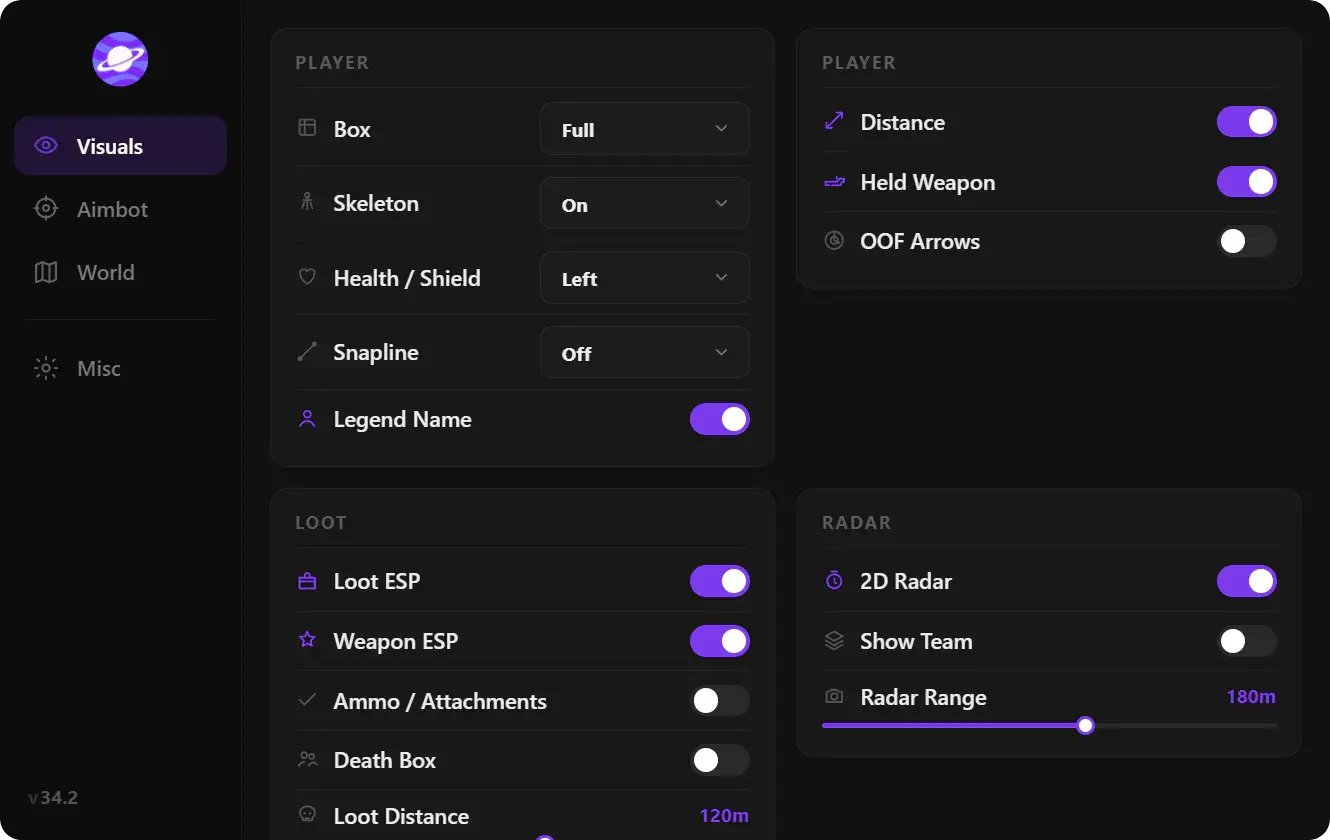
Cloud DMA for Apex Legends in plain language: a second-PC memory read path, not the same thing as an on-PC ESP loader.
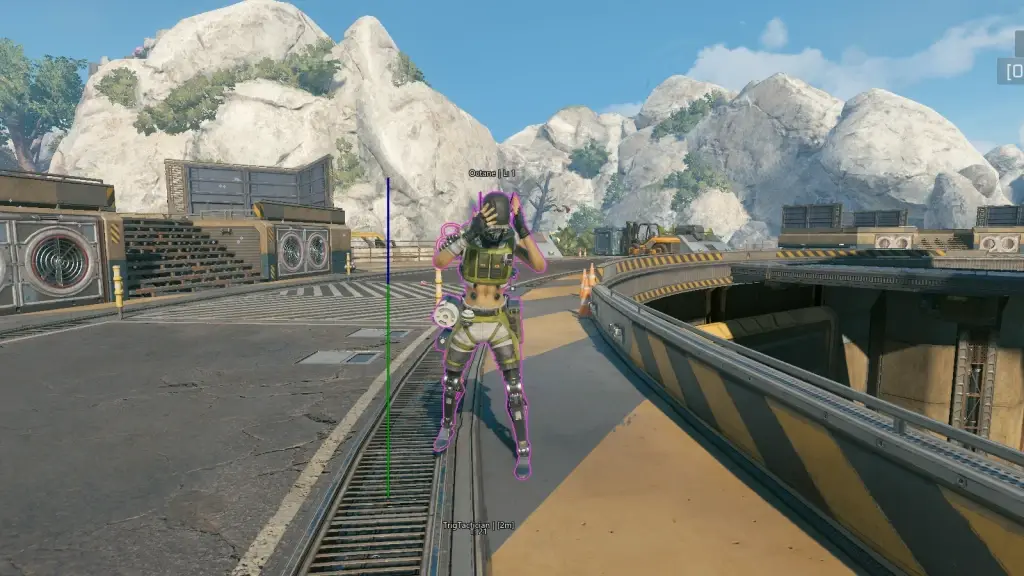
Apex Legends software hacks versus Cloud DMA: install simplicity, hardware cost, and what each listing is actually selling.
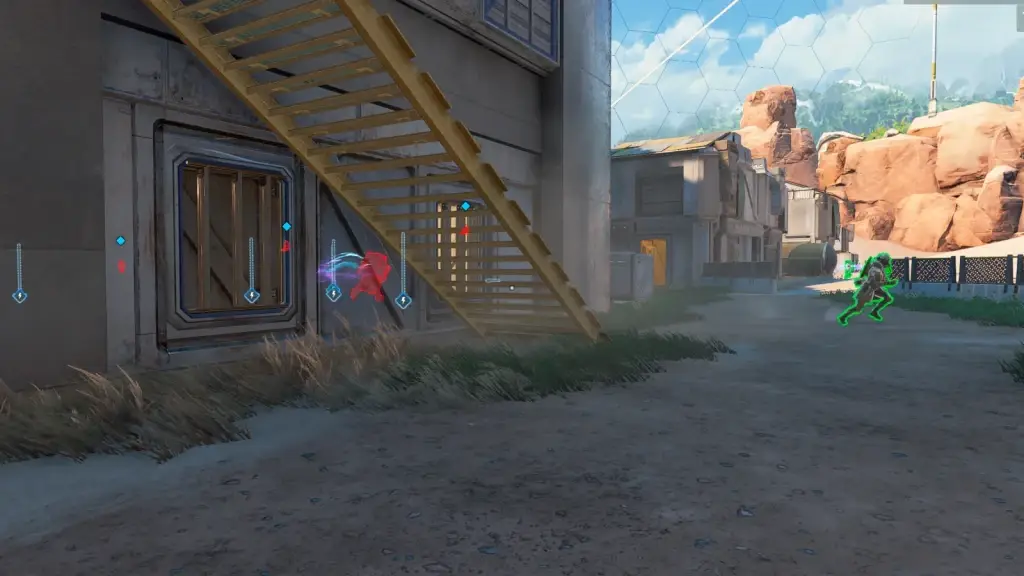
Apex Legends hack FPS: measure a vanilla baseline, then ESP and aimbot one module at a time.
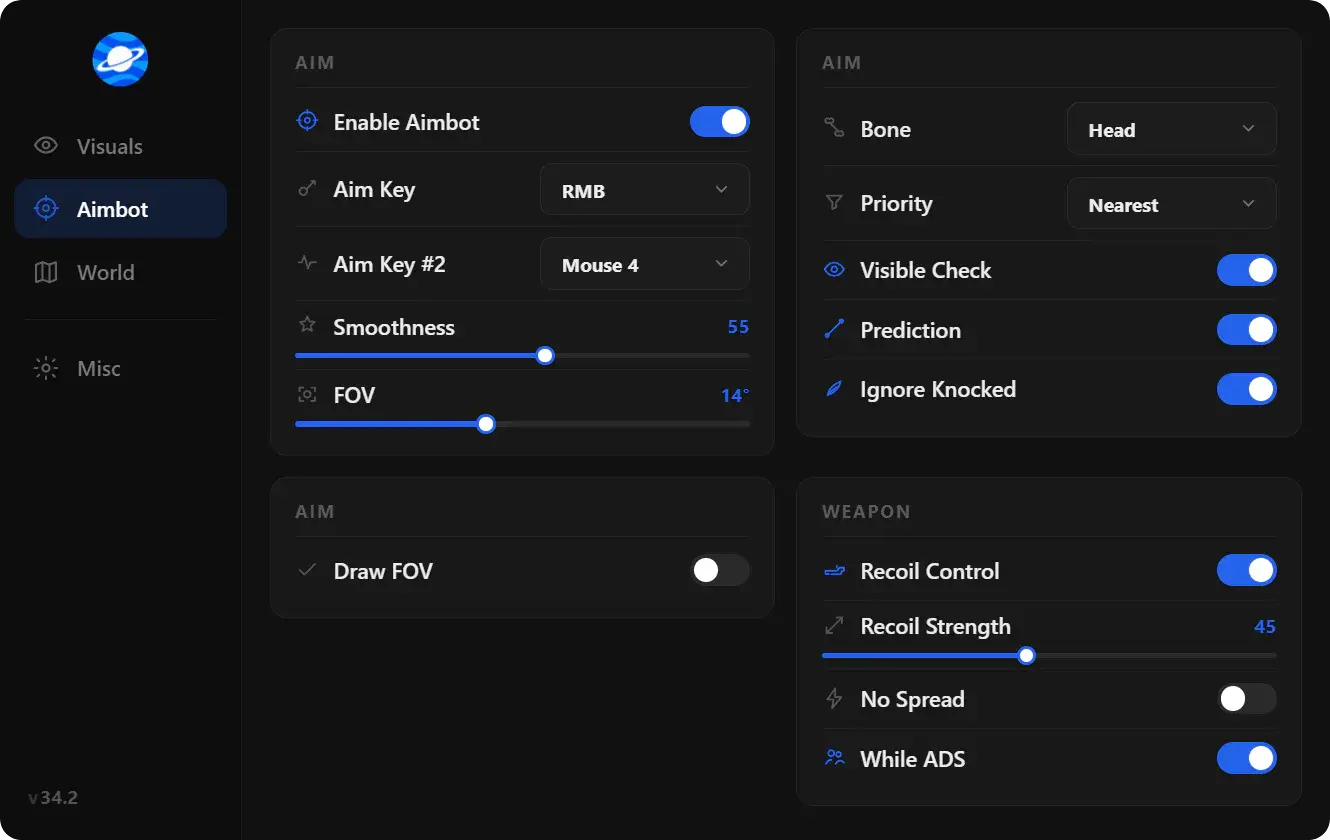
What people mean by Apex Legends hacks in 2026: loaders, ESP, aimbot-style assist, wallhack-style visuals, and why listings change after patches.
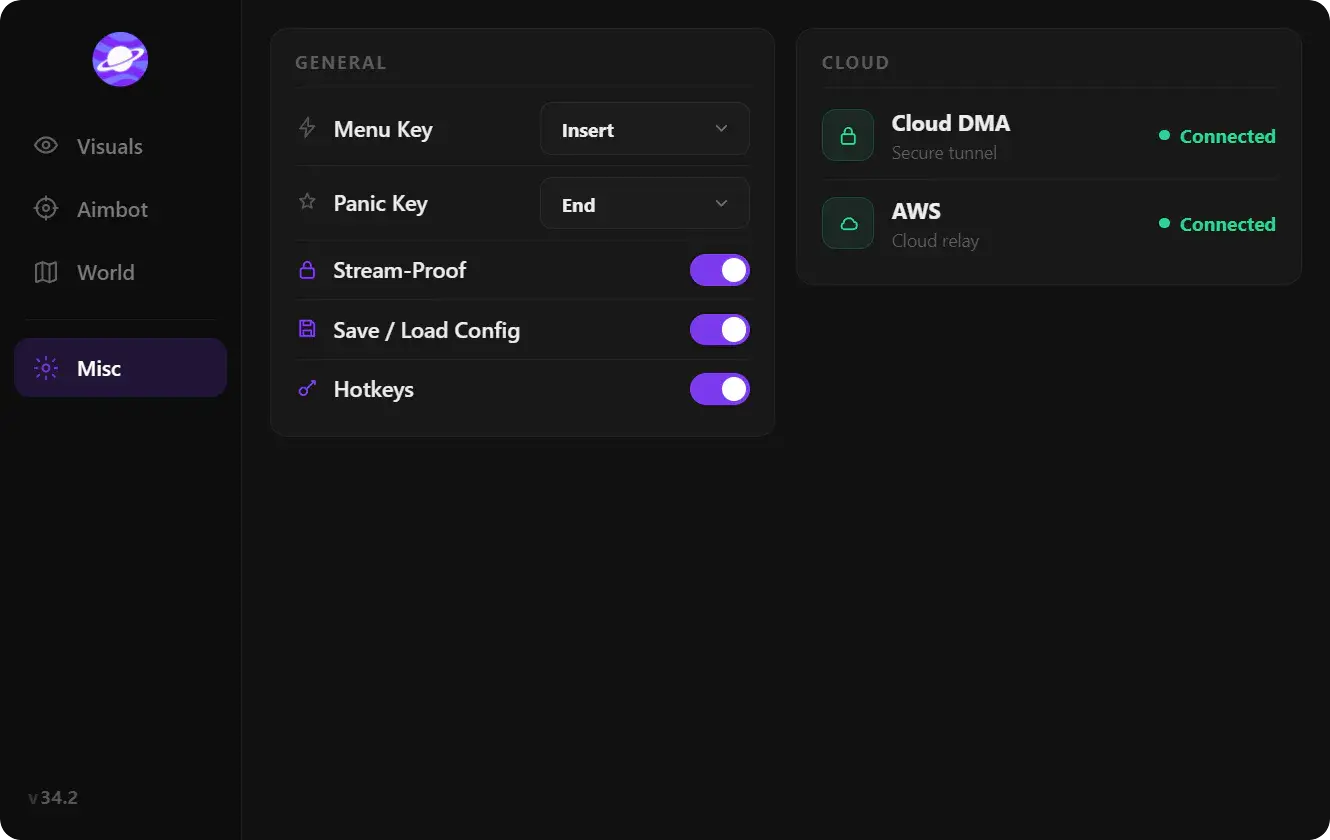
A plain split of Apex Legends ESP, aimbot, and wallhack so a product page is easier to read before checkout.
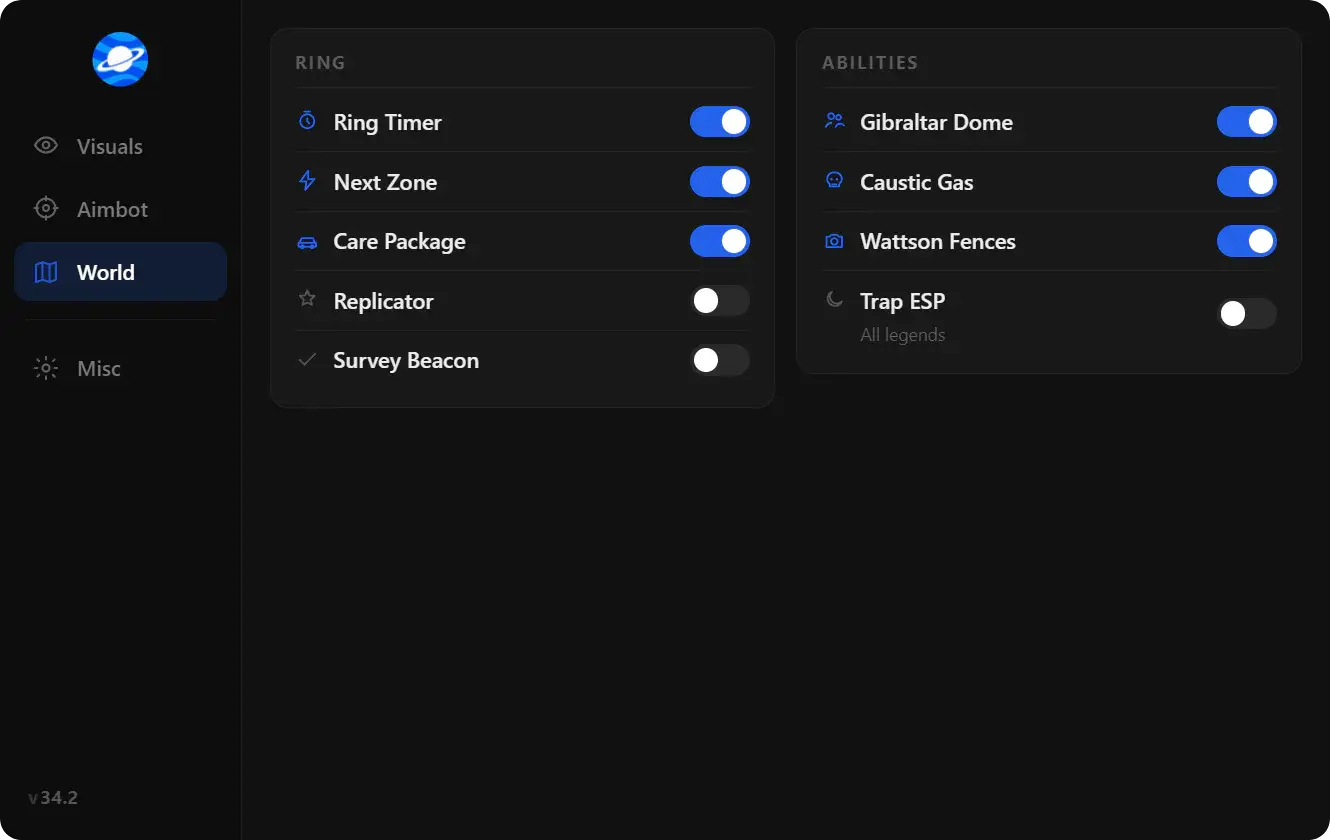
Pick a Apex Legends hack by role and hardware: software ESP and aimbot versus Cloud DMA, without hype counters.
FAQ
Questions about this page
Quick answers related to what you are reading — see the full FAQ for every topic.