Apex Legends HWID spoofer
Hardware identifier spoofing utilities for Apex Legends players replacing machines or following strict hardware checks — scope depends on the listing.
At a glance
Key capabilities
What Spoofer focuses on before you open the full module list.
Overview
When people look for a spoofer
How this build fits ranked, Turbo, and patch-day workflows.
Hardware bans and strict device ties are common search topics. A spoofer attempts to present different hardware identifiers to the platform when the product supports that workflow.
This is not the same as an account appeal. Hardware identifiers and recovery paperwork are different problems — read the checkout scope before you buy.
Understand the limit
See [what an HWID spoofer is for Apex Legends](/articles/what-is-an-hwid-spoofer-for-apex-legends/) for terminology. The checkout listing decides exact coverage — we do not invent chipset lists here.
Modules
What's included
Every module and overlay shipped with Spoofer—toggle and tune in the operator portal.
- HWID or component identifier handling as described at checkout
- Driver or cleanup steps when the listing includes them
- Post-change verification workflow from vendor docs
- Configurable identifier targets as listed
- Reboot or verification steps from documentation
- Compatibility notes for Windows 10/11 builds on checkout
- Scope separate from ESP, aimbot, or skin modules
Experience
In the client · After you buy
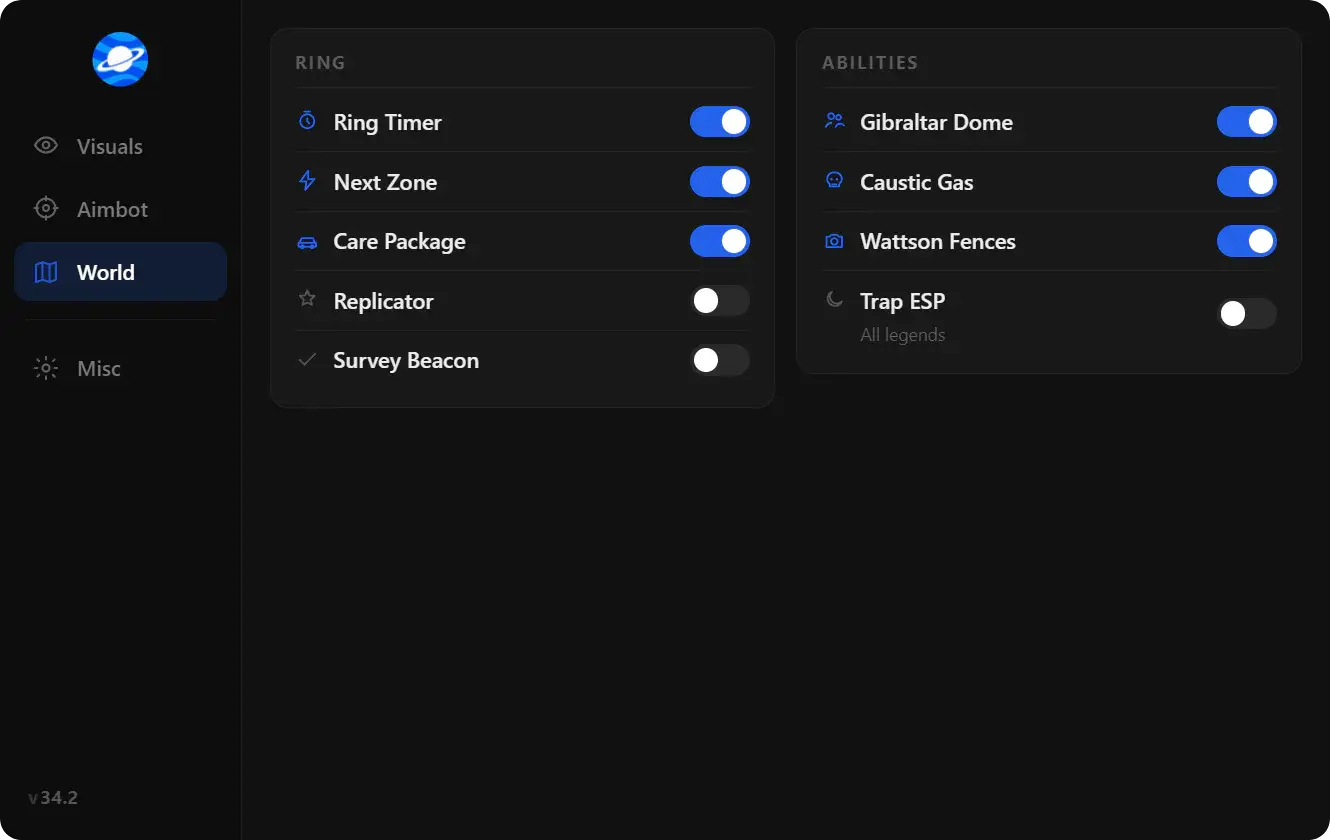
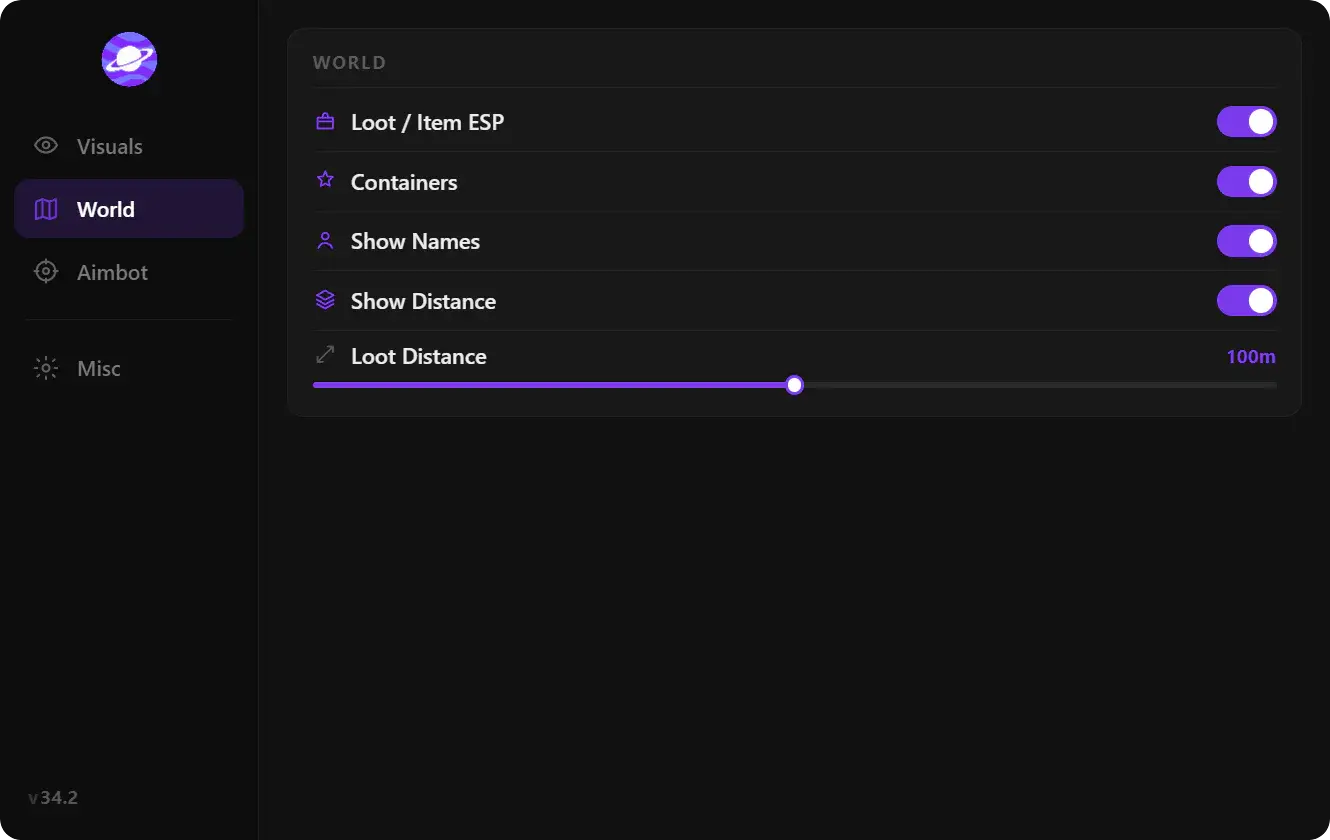
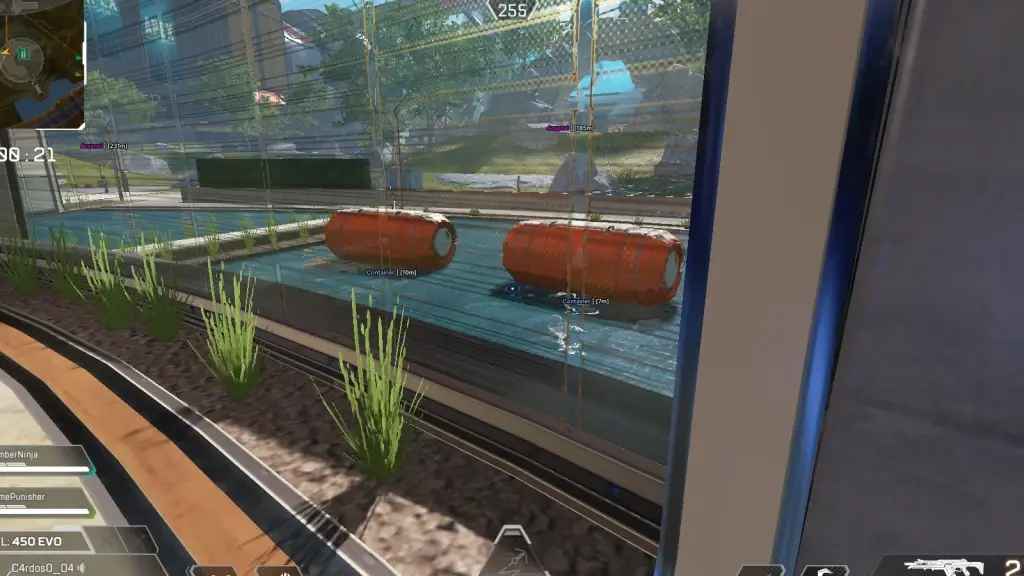
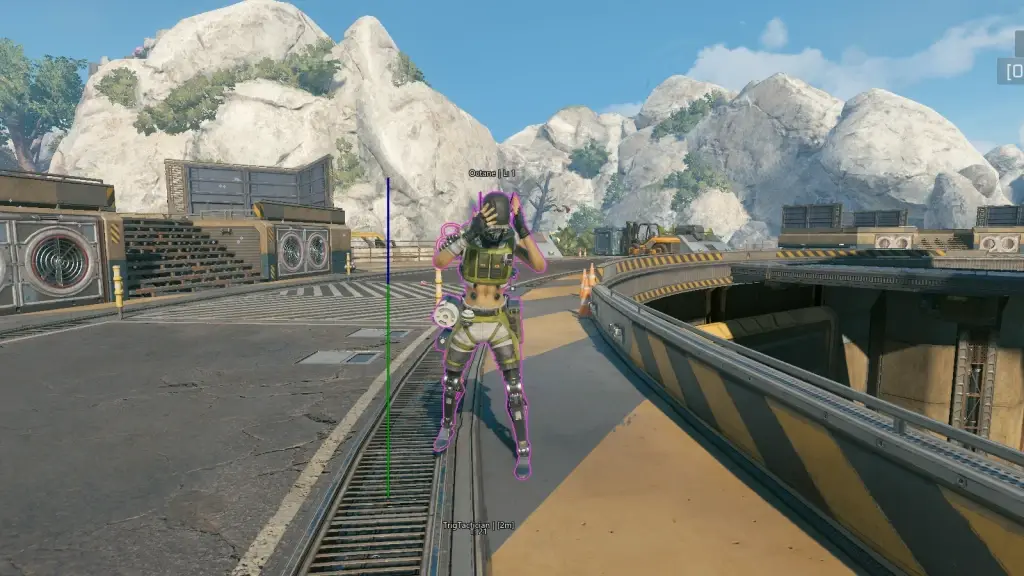
Use the screenshots above for Spoofer—below is what each layer means and how access works after checkout.
In-game layers
- Layer A
System & identifiers
Illustrative — spoofer scope is defined at checkout.
- Layer B
Drivers & reboot
Follow vendor steps — this is not device-specific documentation.
Guides
Learn more about Spoofer
Curated articles for setup, tuning, and patch-day checks that match this product.
HWID spoofer meaning for Apex Legends: hardware identifiers, what a listing can and cannot promise, and how it differs from account appeals.
Apex Legends hack troubleshooting: game updates, fullscreen mode, admin rights, and waiting for the seller’s new build.
Apex Legends software hacks versus Cloud DMA: install simplicity, hardware cost, and what each listing is actually selling.
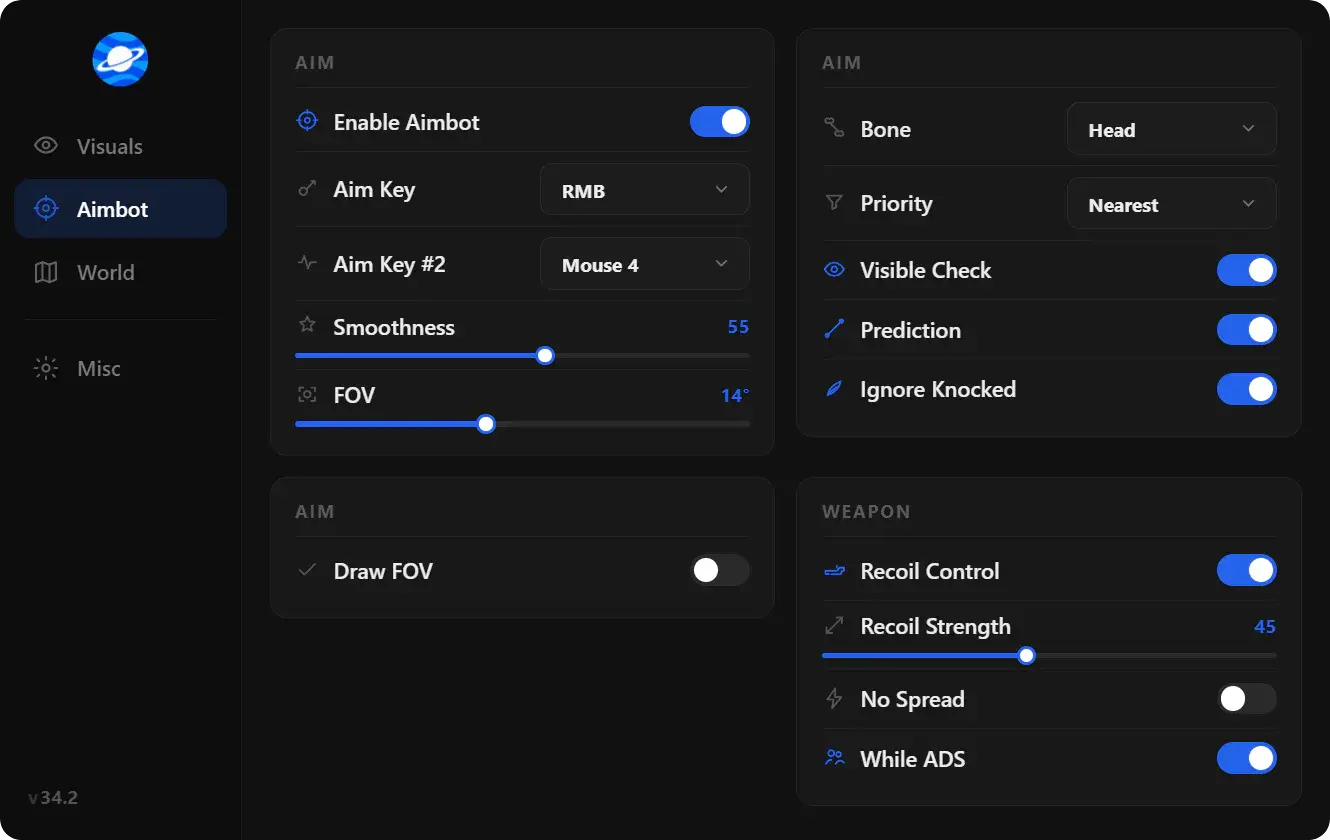
What people mean by Apex Legends hacks in 2026: loaders, ESP, aimbot-style assist, wallhack-style visuals, and why listings change after patches.
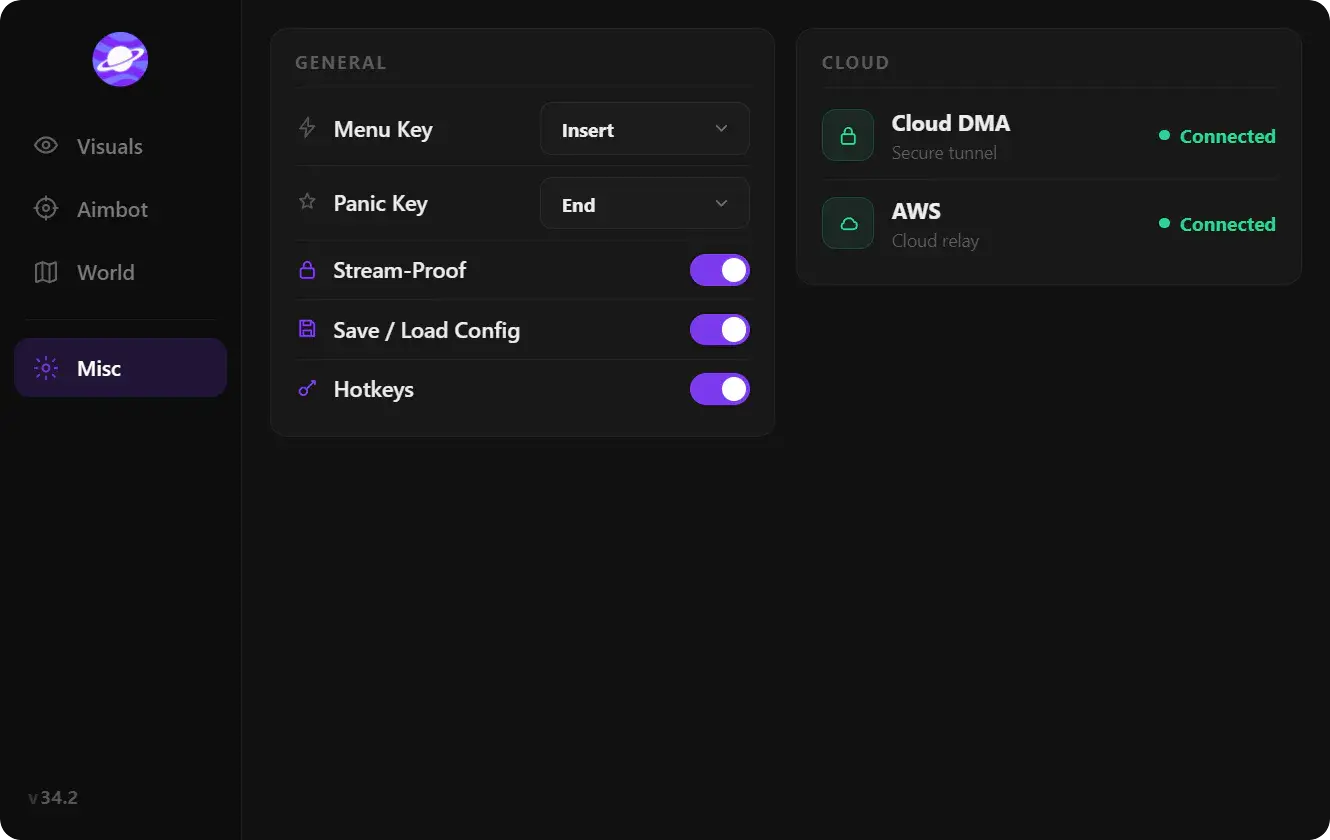
A plain split of Apex Legends ESP, aimbot, and wallhack so a product page is easier to read before checkout.
Pick a Apex Legends hack by role and hardware: software ESP and aimbot versus Cloud DMA, without hype counters.
FAQ
Questions about this page
Quick answers related to what you are reading — see the full FAQ for every topic.